
Bring any billing system, via spreadsheet
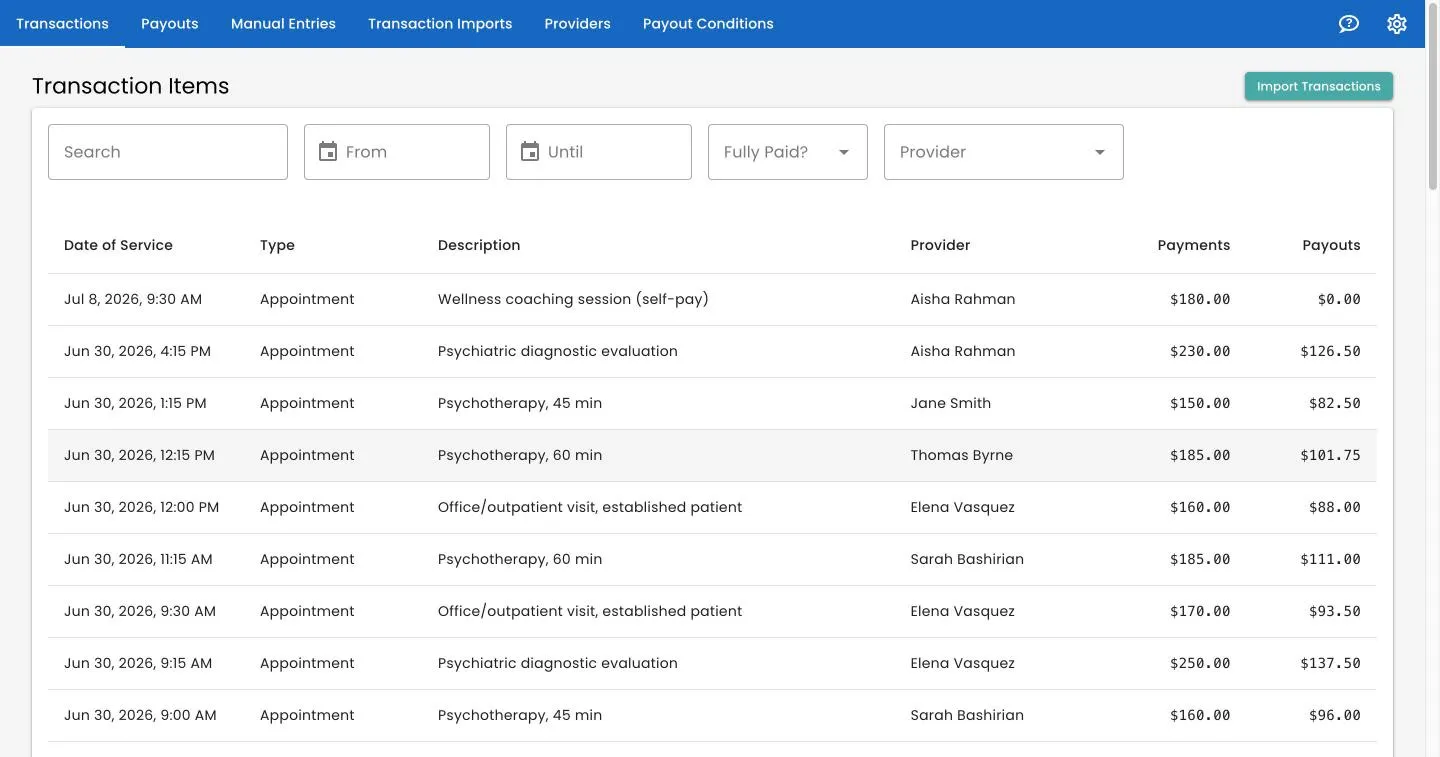
Not on TherapyNotes? Track 2 Pay imports any billing data from an XLSX spreadsheet. Map your columns once — including custom fields — and every future import lands cleanly in the same ledger.
Why import with Track 2 Pay?
Map any billing spreadsheet
Bring an XLSX export from SimplePractice or any other system and map its columns into Track 2 Pay's format. Drag-and-drop the file and the import starts instantly.
Your own custom columns
Add extra transaction fields, extra provider fields, and multiple named payment columns — with no engineering work — so nothing about how you bill gets lost.
One unified ledger
Spreadsheet imports, TherapyNotes data, and manual entries all flow into the same ledger your payout rules run on — de-duplicated and ready to pay out.
Supported format: XLSX spreadsheets.
See it with your own export
Book a demo and we'll map a sample of your billing spreadsheet and run your first payout batch together.
Or read the spreadsheet import guide →